




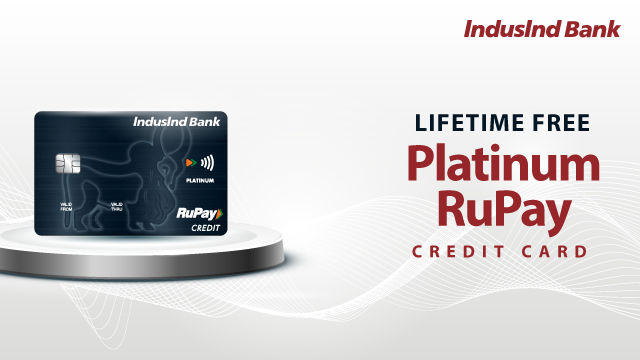
Pay Now with UPI
Unlock Smart Savings by linking your Platinum RuPay credit card to UPI!Scan & Pay at any Merchant QR. Get 2 Reward Points per Rs.100 on every UPI transaction.



Quick Links

Quick Links

Quick Links

Quick Links


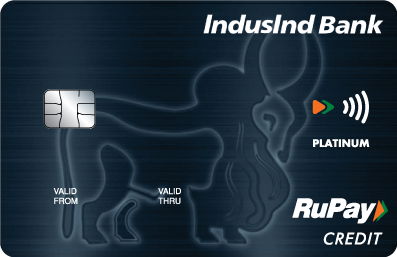
Pay Now with UPI on your IndusInd Bank Platinum RuPay Credit Card.

Credit Card enabled on UPI

Earn 2 Reward Points on every ₹ 100 transaction done through UPI

1% Fuel Surcharge Waiver* T&C Apply

No Annual Fees
From 15th December 2024, the value of non-cash redemption (excluding airmiles) will be 1 RP = Rs.0.60
Effective 1st September 2024, maximum reward points allowed for cash redemption will be 2500 per calendar month
Not Holding any IndusInd Bank Credit Card? Apply Now
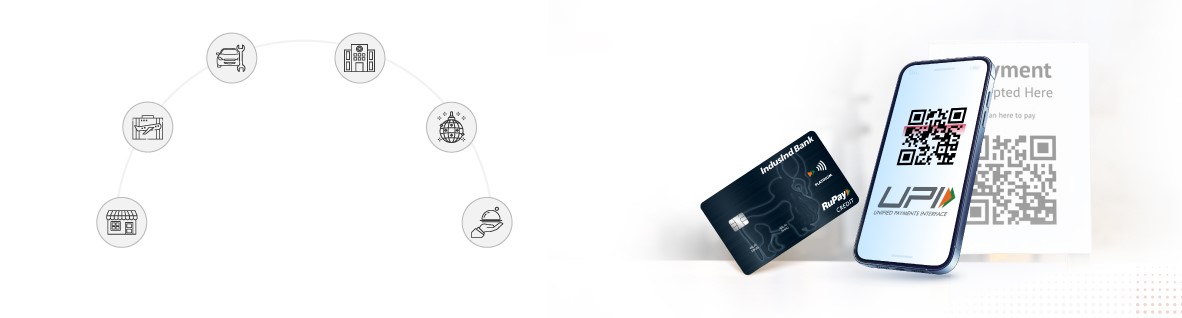
Enjoy the benefits of a Credit Card with the convenience of UPI—best of both worlds—with the IndusInd Bank Platinum RuPay Credit Card. Effortlessly link your card to popular UPI apps such as BHIM, Google Pay, PhonePe etc. and enjoy seamless digital payment experience with rewards on every transaction.
Earn 2 reward points for every ₹100 spent via UPI and 1 reward point for non-UPI transactions, with flexible redemption options. That’s not all! With your UPI-linked RuPay Credit Card, enjoy additional perks including fuel surcharge waivers, travel insurance, and fraud protection coverage. Apply for your RuPay Credit Card now!
Pay Now with UPI on your IndusInd Bank Platinum RuPay Credit Card.
Link your Platinum RuPay Credit Card on UPI in Few Steps
Step 1: Open your UPI app* BHIM, PhonePe, Paytm, Google Pay.
Step 2: Select the option "Add Credit Card/Link Credit Card"
Step 3: Select Credit Card Issuer Bank (IndusInd Bank)
Step 4: Select your IndusInd Bank Platinum RuPay Credit Card
Step 5: Proceed to generate UPI PIN
*(Download the UPI app from Playstore/App Store if you are not registered on any UPI app yet, verify your mobile no. and continue from Step 2 as shared above)
Set UPI Pin
Step 1: Select Generate PIN option > Select Platinum RuPay Credit Card
Step 2: Enter Platinum RuPay Credit Card Details:
(OTP will be triggered on your registered mobile number)
Step 3: Enter OTP and Set PIN of your choice
Making UPI Payments with your Platinum RuPay Credit Card
(Transaction status can be seen in Transaction History of your UPI App)
Click here for FAQs for UPI on CC
Here Is Why You Should Opt For UPI Payments Via Credit Cards
Travel Insurance Cover Details
Travel insurance is a priority document for all your trips. IndusInd Bank has tied up with The Oriental Insurance Company Ltd. (‘Insurance Company’) as a group manager to provide cardholders with the following insurance cover under its program:
| Insurance Cover | Sum Assured (up to) |
|---|---|
| Lost baggage | ₹ 1,00,000 |
| Delayed baggage | ₹ 25,000 |
| Loss of passport | ₹ 50,000 |
| Lost ticket | ₹ 25,000 |
| Missed connection | ₹ 25,000 |
Click here for terms and conditions
Click here to view the Most Important Terms and Conditions
Click here to view the Card Holder's Agreement
Avail freedom from surcharge on petrol at petrol pumps across India. Enjoy a waiver* of 1% on fuel surcharge at any petrol pump within India.
Value Offering
| Petrol Surcharge Waiver | Monthly Savings | Annual Savings |
|---|---|---|
| Monthly fuel usage @ Rs 4000 | Rs 40 | Rs 480 |
The information given in the value offering is based on certain assumptions and is for illustration purposes only. Actual savings will depend on the usage pattern of the individual cardholder.
Click here for terms and conditions
Total Protect
Has your card fallen into wrong hands? Attempted fraudulent usage of your card can no more pose a threat! Total Protect is a first-of-its-kind program that covers you for a sum up to the credit limit on your credit card and is available on add-on cards as well. With us, you can be completely worry-free about any fraudulent transactions performed using your card.
Total Protect covers you for the following:
*Click here for terms and conditions of the applicable insurance policy.
Click here to view the Most Important Terms and Conditions
Click here to view the Card Holder's Agreement
Yes, you can use the Platinum RuPay Credit Card for international transactions. However, note that it comes with 3.5% Forex Mark-up. Hence, it is advisable to use it cautiously.
Platinum RuPay Credit Card holders enjoy several exclusive benefits, such as:
Most importantly, you can use the card to make payments via UPI. This way, you can make purchases even when you do not have a physical credit card with you.
To apply for the RuPay Credit Card, you can visit the IndusInd Bank website or click the ‘Apply Now’ button. Both existing and new customers are eligible to apply.
You can complete the application process online. Simply provide your details, choose a card offer, accept the card terms and do a quick VKYC and you are done.
The Platinum RuPay Credit Card has only a one-time joining fee applicable; there is no annual fee. This, along with the rewards programmes, fuel surcharge waiver, travel insurance coverage, and other benefits, makes the Platinum RuPay Credit Card an excellent choice.
Apply for the lifetime-free RuPay Credit Card now!
Yes, for non-UPI transactions, you earn 1 reward point for every ₹100 spent. Additionally, you can earn ₹0.70 for every ₹100 on select merchant categories, applicable to both UPI and non-UPI transactions. However, fuel transactions are excluded from earning reward points.
The rewards program ensures that whether you use the Platinum RuPay Credit Card for UPI payments or otherwise, you will have a rewarding experience!
A Simpler and More Secure Way to Pay
RuPay Credit Card on UPI with Biometric Authentication brings a new level of convenience and security to digital payments. Instead of entering a UPI PIN, customers can authenticate UPI payments using the device built-in biometric unlock method, such as fingerprint and face recognition. This helps make payments faster, easier and secure.
Step 1: Link your RuPay Credit Card to a preferred UPI App.
Step 2: Navigate Biometric payment settings in the UPI app, select RuPay Credit Card.
Step 3: Provide consent and click on enable/activate/setup depending upon option available on UPI Apps..
Step 4: Enter your UPI PIN related to the selected RuPay Credit Card.
Step 5: Done! Start making future UPI payments using biometric authentication.
Step 1: Open your preferred UPI App supporting this feature..
Step 2: Navigate Biometric Payment setting in the UPI App, select RuPay Credit Card for which you want to disable biometric payment or switch to UPI PIN.
Step 3: Click on Disable or De-activate depending upon option available on UPI Apps.
Step 4: Done! Now you have switched to normal UPI PIN.
It allows UPI payments to be authenticated using fingerprint ,fingerprint or face recognition instead of entering a UPI PIN.
Biometric authentication offers faster and seamless payments, enhanced security, reduced risk of UPI PIN exposure.
Yes. Biometric data is stored securely on your device and is never shared with the UPI App, Bank, or NPCI. The app only receives confirmation of successful authentication.
Yes, the device must support biometrics and have a biometric method registered.
Yes, you can disable it from the supported UPI app settings.
Supported biometrics depend on your device and may include fingerprint or , Face ID.
No, biometric authentication is generally available for transactions up to ₹10,000. Amounts above this limit require a UPI PIN.
You can complete the transaction by entering your UPI PIN.
No. Biometric authentication must be re-enabled on a new device using above mentioned process.
No. Biometric authentication must be re-enabled after changing UPI PIN using above mentioned process.
Your biometric will be disabled in case of you are inactive for 90-days (not even used UPI PIN). You can enable it again following the above-mentioned process.
If your phone is lost or stolen or someone gains possession, transactions cannot be made without your Fingerprint or Face ID. In case of any suspicion, IndusInd Bank recommend to immediately contact IndusInd Bank representative at 1860 267 7777 (India) / +91 22 68577777 / 022 4220 7777 (International).
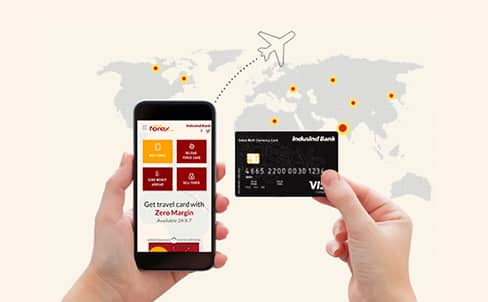
Buy prepaid Forex Cards and reload them as and when needed, buy and sell foreign currency cash and send money abroad.

An IndusInd Bank Fixed (Term) Deposit is a guaranteed-return investment with competitive benefits so that your money can work for you

With IndusInd Bank’s personal loan, you can achieve all your goals. You can effectively turn your dream into reality.

Discover the Indus Care Savings Account, crafted to support your financial well-being with exclusive wellness benefits. Secure your future with an account that truly cares for you.

A specialised product for the retail wholesalers, showroom owners and job work industries, service industries, manufacturers , exporters and importers
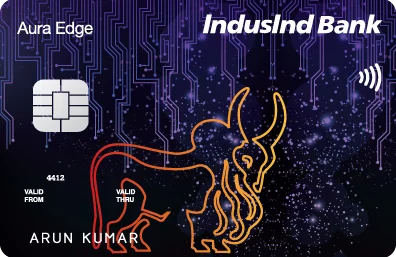
Explore a new world of rewards with the Platinum Aura Edge Credit Card. With its contactless feature, it enables you to make fast, convenient and secure everyday purchases at all merchant locations accepting contactless payment.
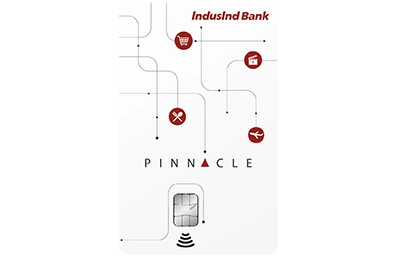
A credit card that allows you to earn rewards faster and helps you redeem them as per your convenience.

With a unique contactless feature and a card design that enables you to make fast, convenient and secure everyday purchases, the Legend Visa Credit Card helps you earn more reward points on your weekend spends as well as Bonus points on your yearly spends!
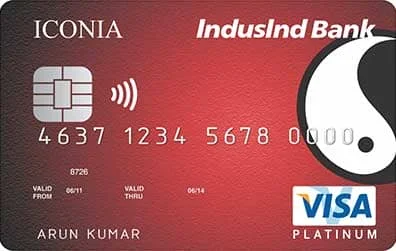
Indulge in a world of luxury with the Iconia Credit Card from IndusInd Bank. We excel at serving you and offer you special privileges no other lifestyle credit card can match. All our programs are carefully structured by experts to present you with best-in-class benefits and services. You can experience the elaborate rewards structure doubling your rewards much sooner. Whether you like travelling to new destinations, or if your indulgence is playing a round or two at the finest golf courses, our lifestyle credit card will surely elevate your experience.
 FD Rate


 Savings Account
 Fixed Deposit
 Personal Loan
 Credit Cards
 Current Account
 Business Loan
 Loan Against Property
 Home Loan
 Gold Loan